Your details once. Every Japanese form.
Store your identity once. Tetsuzukit hands it back in whatever format the next Japanese form wants — 漢字, カナ, Romaji, 和暦 — ready to paste. A privacy-first macOS menu-bar app for life in Japan.
Press ⌥⌘F anywhere · pick a field · paste.
Coming soon — email me when it launches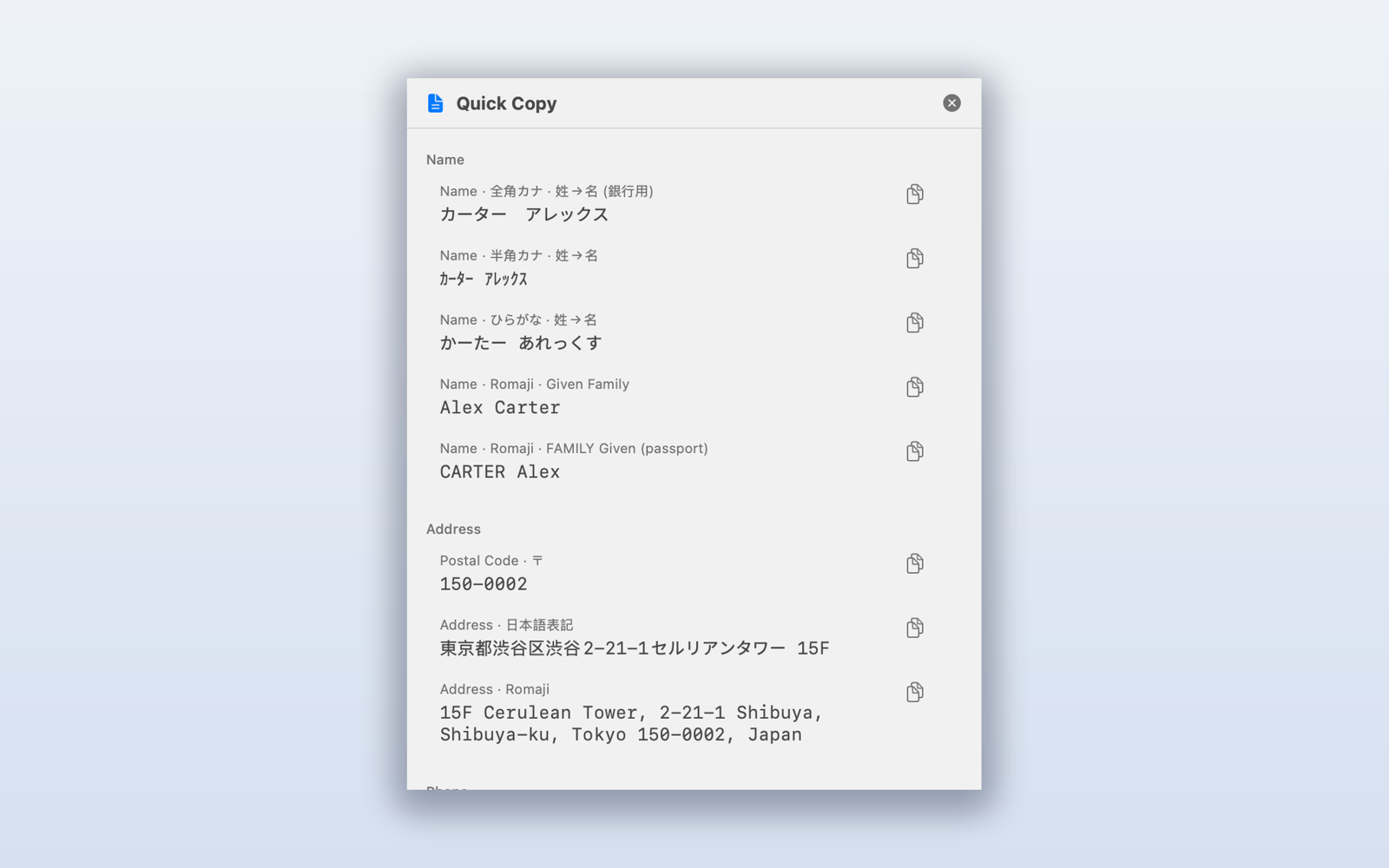
Every format
Every format a form could ask for
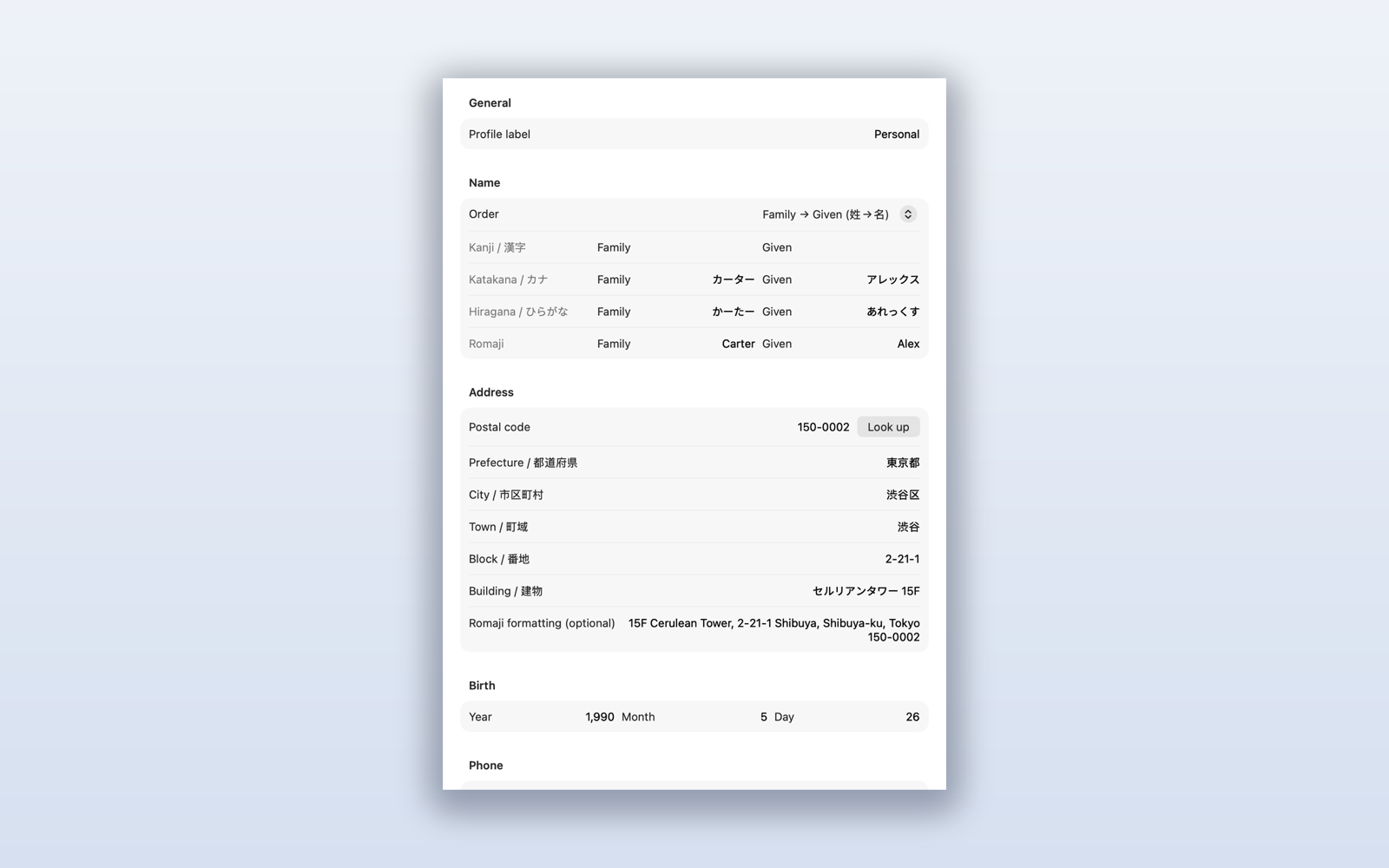
The bank wants full-width katakana. The ward office wants kanji with furigana. An online form wants romaji; a date wants 和暦 (令和 / 平成). Enter your details once and Tetsuzukit keeps every variant in sync — no more retyping your own name.
Private by design
Private by design — not as a setting
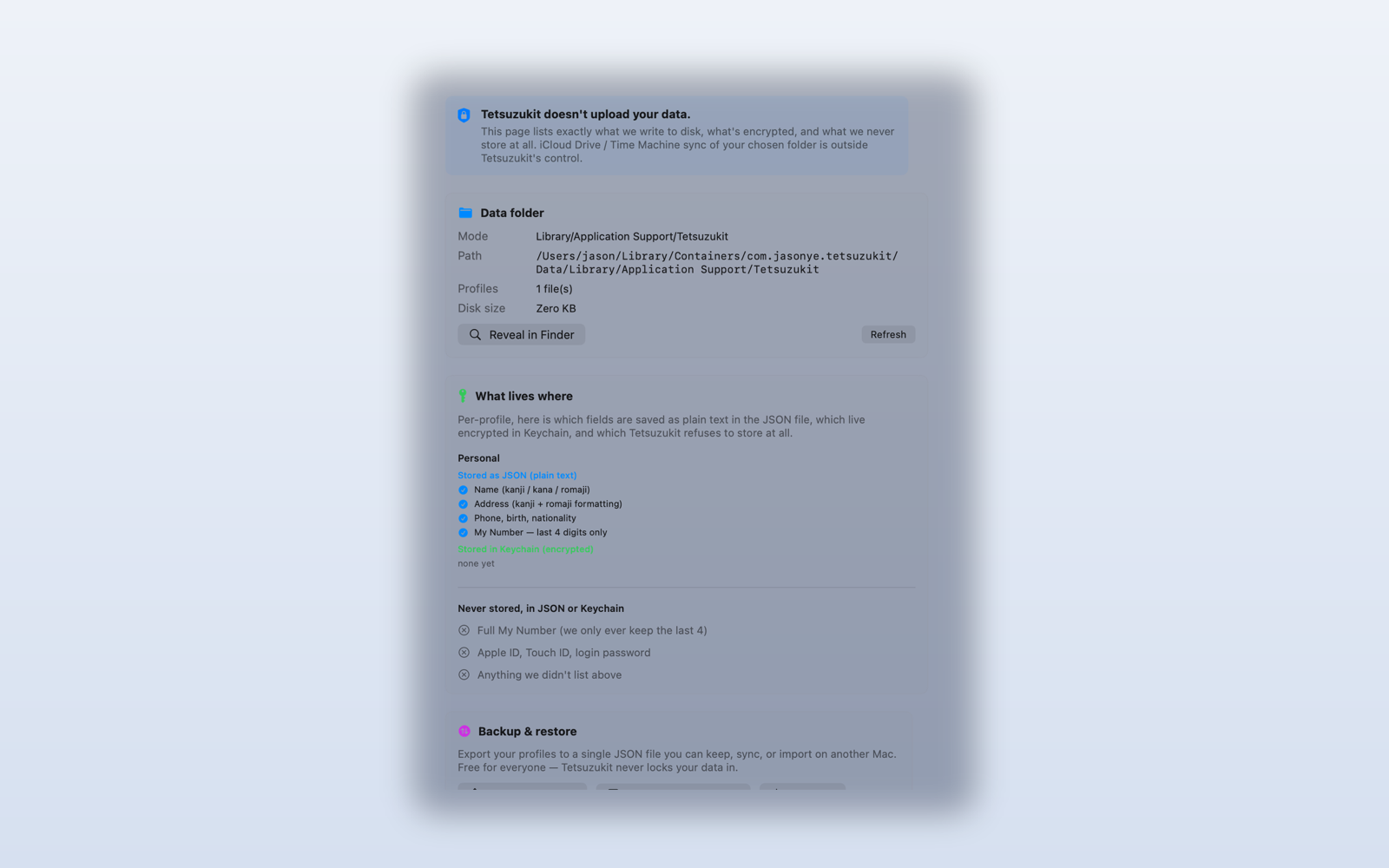
No accounts, no servers, no analytics. Your profile lives on your Mac as plain JSON you can read; sensitive fields — residence card, bank account, passport — go into the macOS Keychain. The Mac App Store build makes zero app-initiated network requests — nothing to leak, because nothing leaves.
Yours to keep
Your data, in a folder you choose
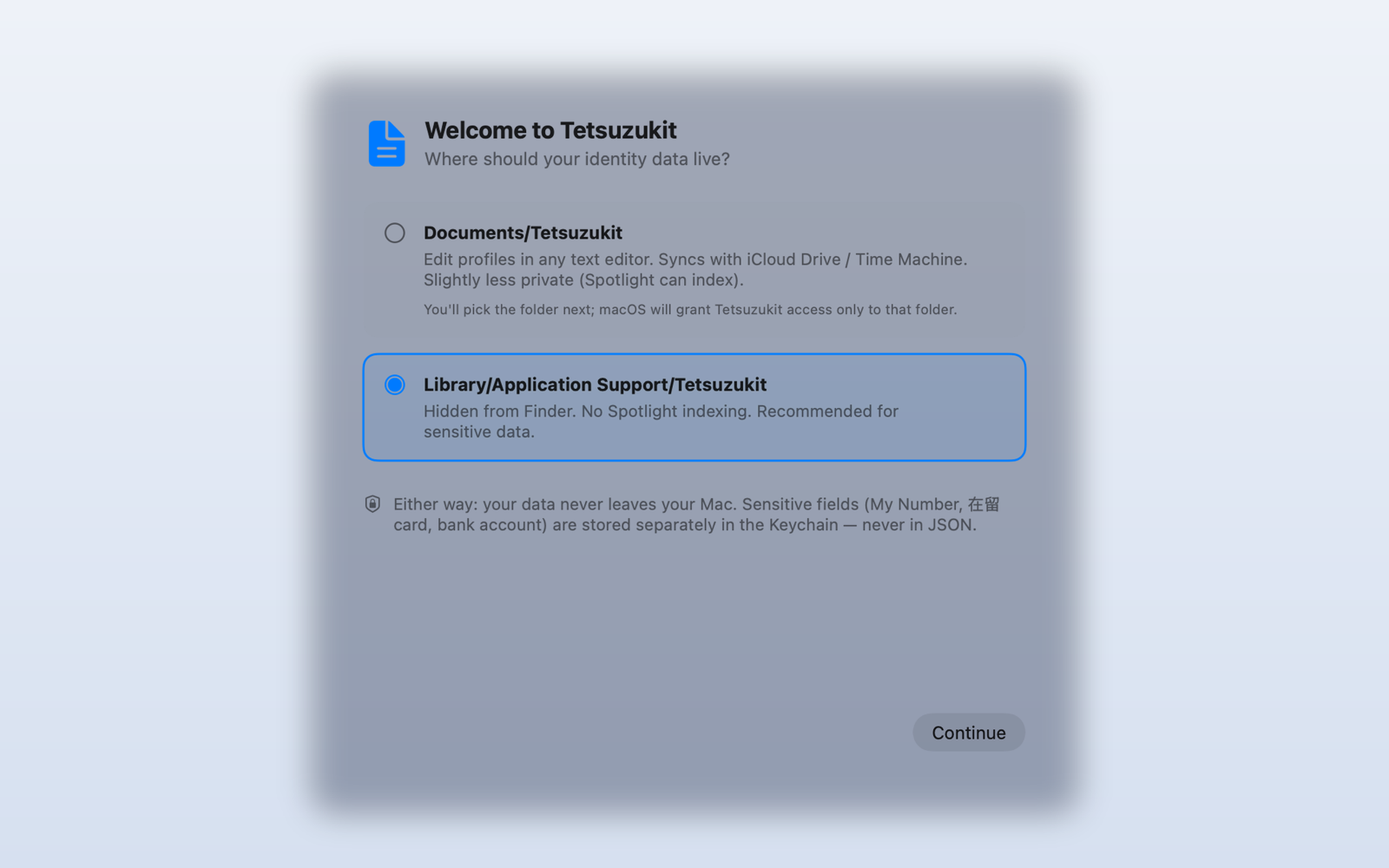
On first launch you pick where your profiles live — the default app folder, or any folder you like. Put it in iCloud Drive and it follows you between Macs; keep it local and it never moves. Back it up, edit it, or delete it with any tool. It's yours.
And the small things that add up
PDF overlay
Drop a form in, place each value, export a flattened PDF. No printer, no scanner.
Postal-code lookup
Type a 〒 code, get the prefecture, city, and town. The full Japan Post dataset, bundled and offline.
Files you own
Profiles are plain JSON. Export, import, version-control, or read them in any editor — no lock-in.
Family Sharing
One purchase covers up to six family members through the App Store.
Free to start. Pro when you need more.
Pro unlocks unlimited profiles, flattened-PDF export, and every future Pro feature.
Monthly
Annual
Lifetime
Prices set for Japan; the App Store shows your local equivalent. Subscriptions auto-renew until cancelled in the App Store. Cancelling never deletes your data.